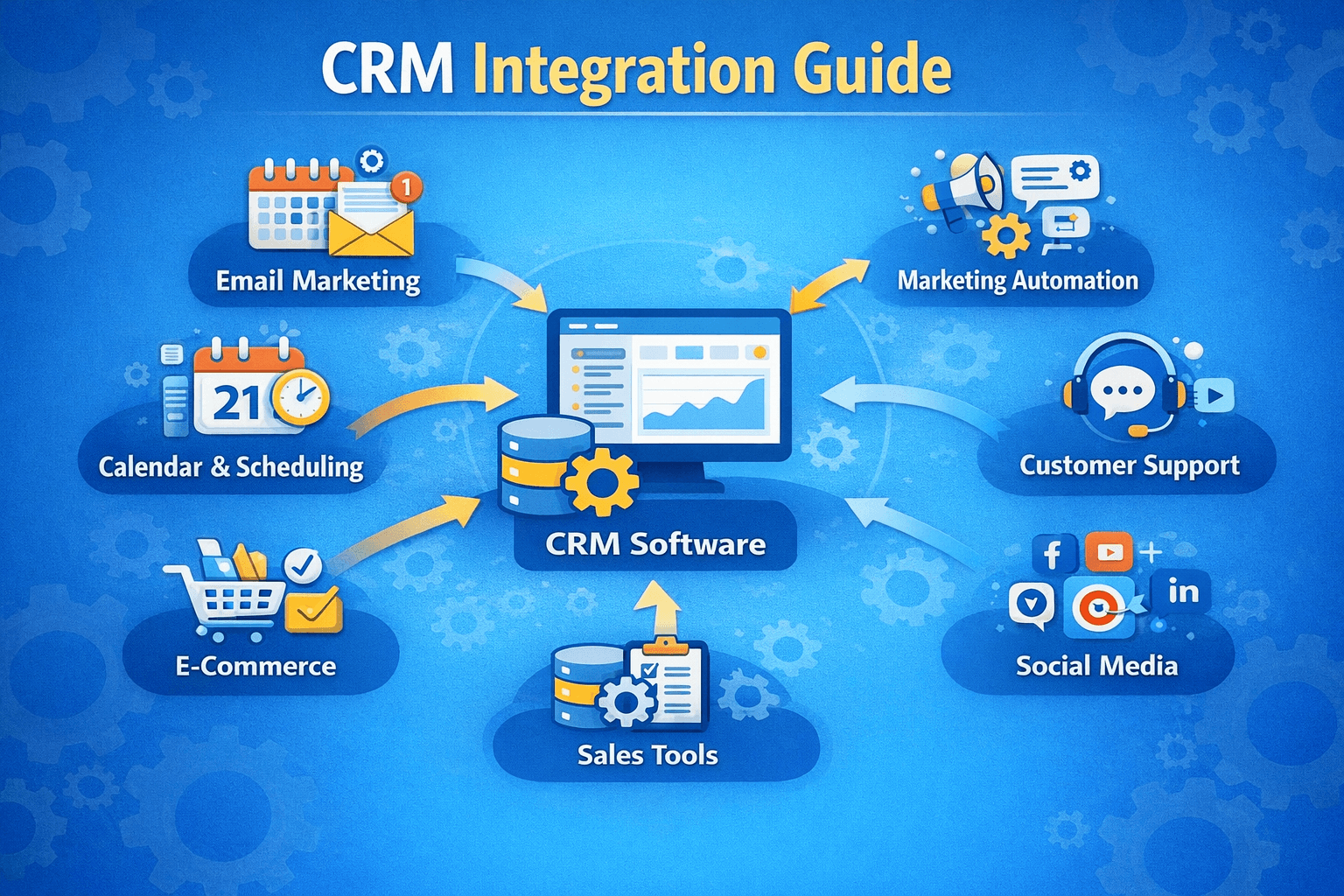
Introduction: The Connected CRM Advantage
A standalone CRM is like a smartphone without apps—powerful in theory, but limited in practice. The real magic happens when your CRM talks to the tools your team already uses: email, WhatsApp, payment gateways, and countless other business apps. Integration eliminates data silos, automates cross‑system workflows, and gives you a complete view of your customer. In this guide, we’ll explore three critical integration types—APIs, messaging apps, and payment gateways—with actionable steps to create a unified tech stack.
1. Integrating CRM with APIs: The Backbone of Connectivity
APIs (Application Programming Interfaces) are the language that allows different software to communicate. Most modern CRMs offer REST APIs that let you connect to virtually any third‑party system—from accounting software to custom applications.
What APIs enable:
- ✓Two‑way sync between CRM and ERP, e‑commerce platforms, or marketing tools.
- ✓Custom data flows: push leads from your website directly to CRM, pull order history into customer records.
- ✓Real‑time updates: when a payment is processed, automatically update the deal stage and log the transaction.
- ✓Build custom dashboards that combine CRM data with external metrics.
Implementation options:
- No‑code integration platforms – Tools like Zapier, Make (Integromat), and n8n connect CRMs to thousands of apps without coding. Ideal for small to mid‑sized businesses.
- Native integrations – Many CRMs offer pre‑built connectors for popular software (e.g., HubSpot + Shopify, Salesforce + QuickBooks).
- Custom API development – For complex, high‑volume, or unique requirements, hire developers to build bespoke integrations using the CRM’s API.

2. CRM + WhatsApp / Email Integration: Unified Messaging
Customers expect to reach you on their preferred channel—often WhatsApp, email, or both. Integrating these channels into your CRM creates a single thread of conversation and ensures no message is missed.
WhatsApp integration:
- ✓Official Business API – For medium to large businesses, the WhatsApp Business API allows two‑way messaging, automated templates, and integration with CRMs like Salesforce, HubSpot, and Zoho.
- ✓Third‑party gateways – Platforms like Twilio, WATI, or Interakt connect WhatsApp to your CRM, enabling features like:
- ✓Send order confirmations, appointment reminders, or support tickets.
- ✓Log WhatsApp conversations directly in the contact timeline.
- ✓Trigger automated workflows based on WhatsApp replies (e.g., “Type 1 to confirm appointment”).
- ✓WhatsApp Business App – For micro‑businesses, you can use the free app, but deeper CRM integration requires the API or a partner solution.
Email integration:
- ✓Two‑way sync – Connect Gmail or Outlook to your CRM so that every email sent/received is logged automatically.
- ✓Email tracking – Know when a lead opens your email or clicks a link without leaving the CRM.
- ✓Templates & sequences – Create and send personalized email sequences directly from CRM, with open/click analytics.
- ✓Shared inbox – Teams can manage support or sales emails from a shared queue within the CRM, with assignment and collaboration features.
| Channel | Key Integrations | Automation Example |
|---|---|---|
| WhatsApp Business API, Twilio, WATI, Interakt | Lead fills form → auto‑send WhatsApp welcome message with link to schedule call | |
| Gmail, Outlook, Exchange, IMAP | Email from new lead → auto‑create contact, assign to rep, and add to nurture sequence |
Real‑world example: An e‑commerce brand integrated WhatsApp into their CRM. When a customer abandoned cart, the CRM triggered a WhatsApp message with a discount code and a link to complete the purchase. Abandoned cart recovery rate jumped from 12% (email only) to 28% (email + WhatsApp).
3. CRM with Payment Gateways: Close the Loop
Integrating payment gateways (Stripe, Razorpay, PayPal, etc.) with your CRM transforms it from a sales tracking tool into a revenue engine. Every transaction syncs automatically, giving you accurate financial data and enabling powerful automation.
What payment integration unlocks:
- ✓Automated deal closure – When a payment is successfully processed, automatically move the deal to “Closed Won” and update revenue fields.
- ✓Subscription management – Sync recurring payment status to CRM; if a payment fails, create a task for the account manager to follow up.
- ✓Invoice generation – Create and send invoices directly from CRM, with payment links embedded.
- ✓Customer lifetime value (CLV) tracking – Aggregate all transactions per contact to see total revenue and identify high‑value customers.
- ✓Dunning management – Automatically send payment failure emails/SMS and escalate to collections if needed.
| Payment Gateway | CRM Integration Options | Common Use Case |
|---|---|---|
| Stripe / Razorpay / PayPal | Native connectors in HubSpot, Salesforce, Zoho; or via Zapier | E‑commerce, SaaS subscriptions |
| QuickBooks Payments / Xero | Sync invoices and payments to accounting + CRM | Service businesses, B2B invoicing |
| Square / Shopify Payments | Direct sync from POS to CRM | Retail, in‑person sales |
Real‑world example: A subscription SaaS company integrated Stripe with their CRM. Now, when a new subscription is purchased, the CRM automatically creates a deal, attaches the customer, and enrolls them in an onboarding email sequence. If a subscription cancellation occurs, the CRM logs the reason and triggers a win‑back campaign. This automation reduced manual data entry by 15 hours per week and improved retention tracking.
Choosing the Right Integration Approach
No‑code platforms (Zapier, Make) – Best for: small businesses, connecting 2–3 apps, simple workflows. Cost: pay per task/operation. Native integrations – Best for: using popular combinations (e.g., HubSpot + Gmail, Salesforce + Stripe). Often included in CRM subscriptions. Middleware / iPaaS (Workato, Tray.io) – Best for: mid‑market to enterprise with complex, high‑volume integrations. Cost: higher but offers robust error handling and monitoring. Custom API development – Best for: unique legacy systems, high‑security environments, or when off‑the‑shelf connectors don’t exist. Requires developer resources.
Conclusion: Build Your Integrated Tech Stack
Integrating your CRM with APIs, messaging apps, and payment gateways turns isolated tools into a cohesive ecosystem. You gain real‑time visibility, automate cross‑system workflows, and deliver a seamless experience for your customers. Start by identifying the most frequent manual handoffs in your business (e.g., “I copy invoice data from Stripe to CRM”), then pick one integration to implement. As you see time savings and accuracy improvements, expand to other areas. A well‑connected CRM becomes the central nervous system of your business.
🔌 **Ready to connect your CRM?** [Download our free CRM Integration Checklist](/resources/crm-integration-checklist) with 30+ popular apps and step‑by‑step guides. Or, schedule a free integration consultation to map your ideal tech stack.
Share This Article
📤 Share This