Introduction: Beyond a Digital Address Book
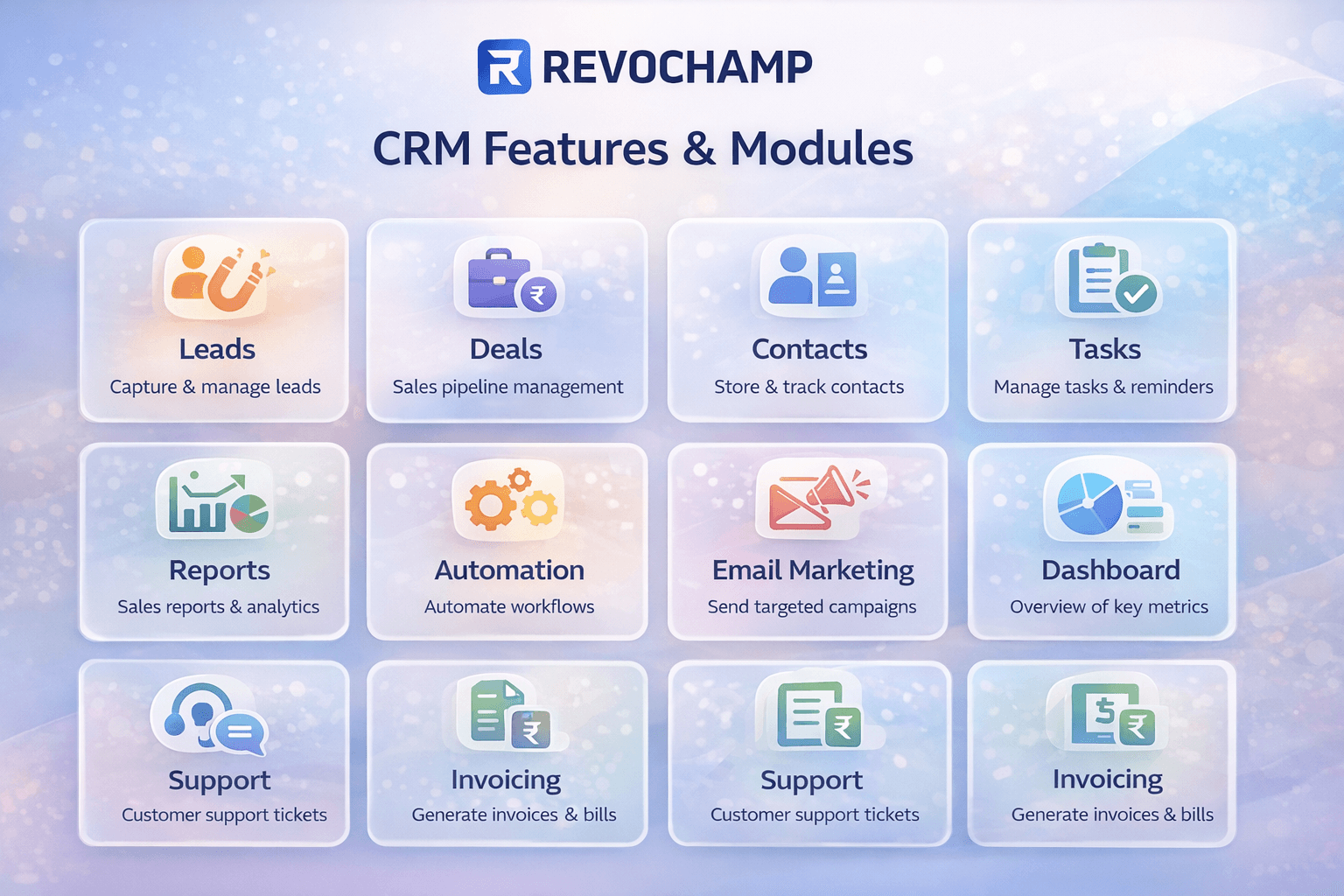
When most people think of CRM, they imagine a glorified contact list. But modern CRMs are powerful business engines with specialized modules that work together to automate sales, streamline support, and personalize marketing. In this guide, we’ll explore the four core CRM modules—Lead Management, Sales Pipeline, Customer Support, and Marketing Automation—and show you how they turn raw data into revenue.
1. Lead Management: From Stranger to Customer
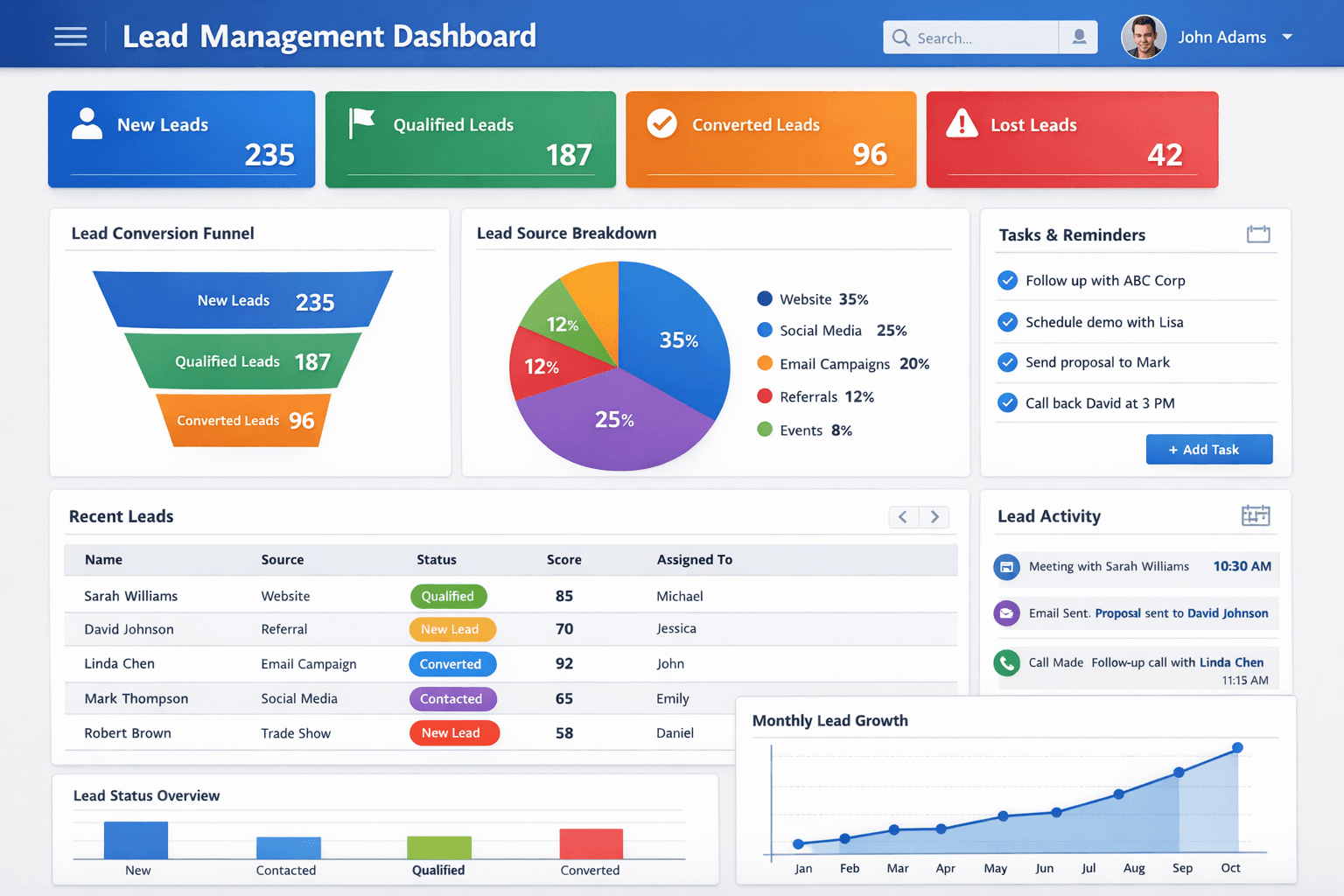
Lead management is the process of capturing, tracking, and nurturing potential customers until they’re ready to buy. A good CRM centralizes all lead data so your team knows who to contact, when, and how.
Lead capture – Automatically import leads from web forms, landing pages, email, and social media. Lead scoring – Assign points based on behavior (e.g., email opens, page visits) to prioritize hot leads. Lead segmentation – Group leads by industry, location, or engagement level for targeted outreach. Activity tracking – Log every call, email, and meeting in one timeline. Lead assignment – Automatically distribute leads to the right sales reps based on rules (round‑robin, territory, expertise).
2. Sales Pipeline & Opportunity Tracking: Visualize Your Revenue
The sales pipeline (or opportunity management) module gives you a visual representation of where each deal stands. It helps sales teams focus on the right actions to move deals forward and forecast revenue accurately.
| Pipeline Stage | Typical Actions | CRM Features |
|---|---|---|
| Prospecting | Identify potential leads, cold outreach | Lead lists, email templates, call logging |
| Qualification | Discovery calls, identify budget/authority/need | Lead scoring, custom fields, notes |
| Proposal | Send quotes or contracts | Document storage, e‑signature integration |
| Negotiation | Handle objections, finalize terms | Activity reminders, deal history, team collaboration |
| Closed Won / Lost | Record outcome, analyze win/loss reasons | Revenue reporting, win/loss analysis dashboards |
Key features of pipeline management:
- Drag‑and‑drop Kanban view – Move deals between stages visually.
- Deal value tracking – Forecast revenue by stage and close date.
- Activity reminders – Never miss a follow‑up with automated tasks.
- Probability % – Set win probability to refine forecasts.
A well‑managed pipeline can increase close rates by up to 28% (HubSpot data).
3. Customer Support & Ticketing Systems: Turn Service into Retention
Support modules transform your CRM into a help desk. They unify customer inquiries from email, chat, phone, and social media into structured tickets, ensuring nothing slips through.
Ticket management – Create, assign, and track tickets with statuses (New, Open, Pending, Resolved). Automated routing – Send tickets to the right agent based on skills, workload, or language. Knowledge base – Build self‑service articles so customers find answers instantly. SLAs (Service Level Agreements) – Set response and resolution time goals; get alerts when at risk. Customer portal – Allow customers to track tickets, view knowledge base, and update requests. CSAT surveys – Automatically send satisfaction surveys after ticket closure.
Example: A SaaS company using a support module reduced average first‑response time from 6 hours to 1.5 hours and increased CSAT scores by 22% within 3 months.
4. Marketing Automation in CRM: Nurture at Scale
Marketing automation enables you to send the right message to the right person at the right time, based on behavior and segmentation. It moves leads through the funnel without manual effort.
Email marketing – Create drip campaigns, newsletters, and transactional emails directly in CRM. Lead nurturing workflows – Automate follow‑up sequences triggered by actions (e.g., download an ebook → send a series of educational emails). Landing pages & forms – Build and embed forms that feed leads directly into CRM. Audience segmentation – Create dynamic lists based on demographics, engagement, or purchase history. Campaign ROI tracking – Measure email opens, clicks, conversion rates, and revenue attributed to each campaign. Social media integration – Schedule posts, monitor mentions, and engage from within CRM.
How These Modules Work Together: A Real‑World Scenario
Imagine a small B2B software company:
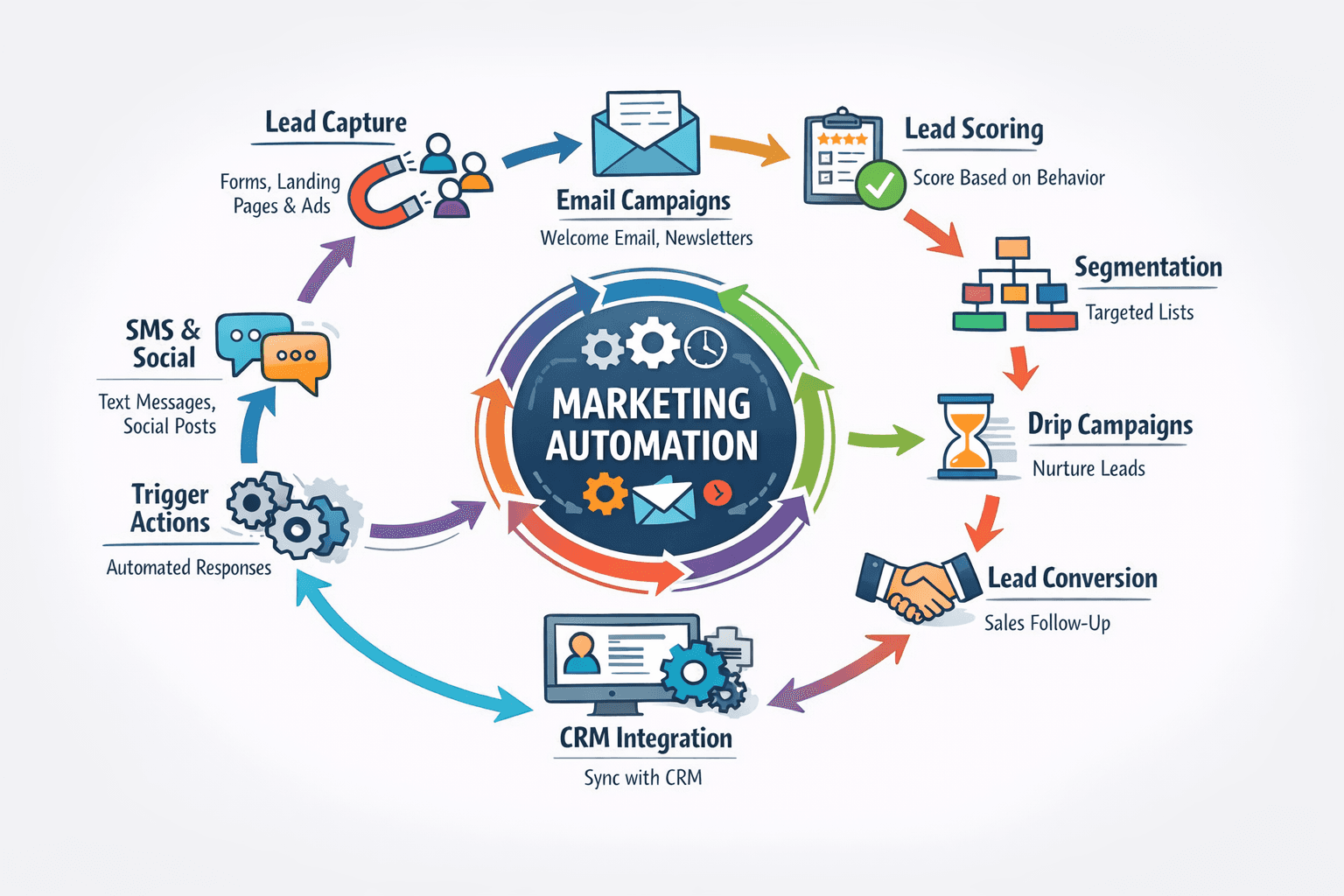
- Marketing automation captures a lead from a whitepaper download and adds them to a nurture sequence.
- When the lead visits the pricing page twice, lead scoring boosts them to “hot” and lead management assigns them to a sales rep.
- The sales rep uses the pipeline to track the opportunity through demo, proposal, and negotiation stages.
- After closing, the customer uses the support portal to submit a ticket. The system automatically pulls their account details and previous interactions, enabling fast, personalized service.
This seamless flow prevents data silos and ensures a consistent customer experience.
Choosing the Right CRM Based on Module Needs
Different CRMs emphasize different modules. Here’s a quick comparison:
| CRM | Lead Management | Sales Pipeline | Support Ticketing | Marketing Automation | Best For |
|---|---|---|---|---|---|
| HubSpot CRM | ⭐⭐⭐⭐⭐ | ⭐⭐⭐⭐⭐ | ⭐⭐⭐⭐ | ⭐⭐⭐⭐⭐ | All‑in‑one (especially marketing heavy) |
| Salesforce | ⭐⭐⭐⭐⭐ | ⭐⭐⭐⭐⭐ | ⭐⭐⭐⭐⭐ | ⭐⭐⭐⭐ | Enterprise, highly customizable |
| Zoho CRM | ⭐⭐⭐⭐ | ⭐⭐⭐⭐ | ⭐⭐⭐ | ⭐⭐⭐ | Budget‑friendly, good all‑rounder |
| Freshsales | ⭐⭐⭐⭐ | ⭐⭐⭐⭐⭐ | ⭐⭐⭐ | ⭐⭐ | Sales‑focused teams |
| Pipedrive | ⭐⭐⭐ | ⭐⭐⭐⭐⭐ | ⭐ | ⭐ | Pure sales pipeline simplicity |
Conclusion: Build Your CRM Stack
Modern CRMs are modular ecosystems. You don’t have to activate all modules at once. Start with the one that solves your biggest pain point—often lead management or sales pipeline—and gradually add support and marketing automation as you grow. The key is choosing a platform that scales with you and keeps customer data connected across every department.
🎯 **Ready to explore CRM modules hands‑on?** [Download our free CRM feature comparison matrix](/resources/crm-module-checklist) to evaluate which platform aligns with your business needs. Or, start a free trial with HubSpot, Zoho, or Freshsales today!
Share This Article
📤 Share This