Introduction: The Spreadsheet Trap
Struggling to keep customer data in Excel? Forgetting to follow up with leads? You’re not alone. 82% of small businesses that don’t use a CRM admit they lose track of important customer interactions. A Customer Relationship Management (CRM) system fixes that—by centralizing contacts, automating tasks, and giving you a 360° view of every customer. In this guide, you’ll learn exactly what CRM is, the three main types, and how to choose the right one for your business.
What Is CRM? (It’s Not Just Software)
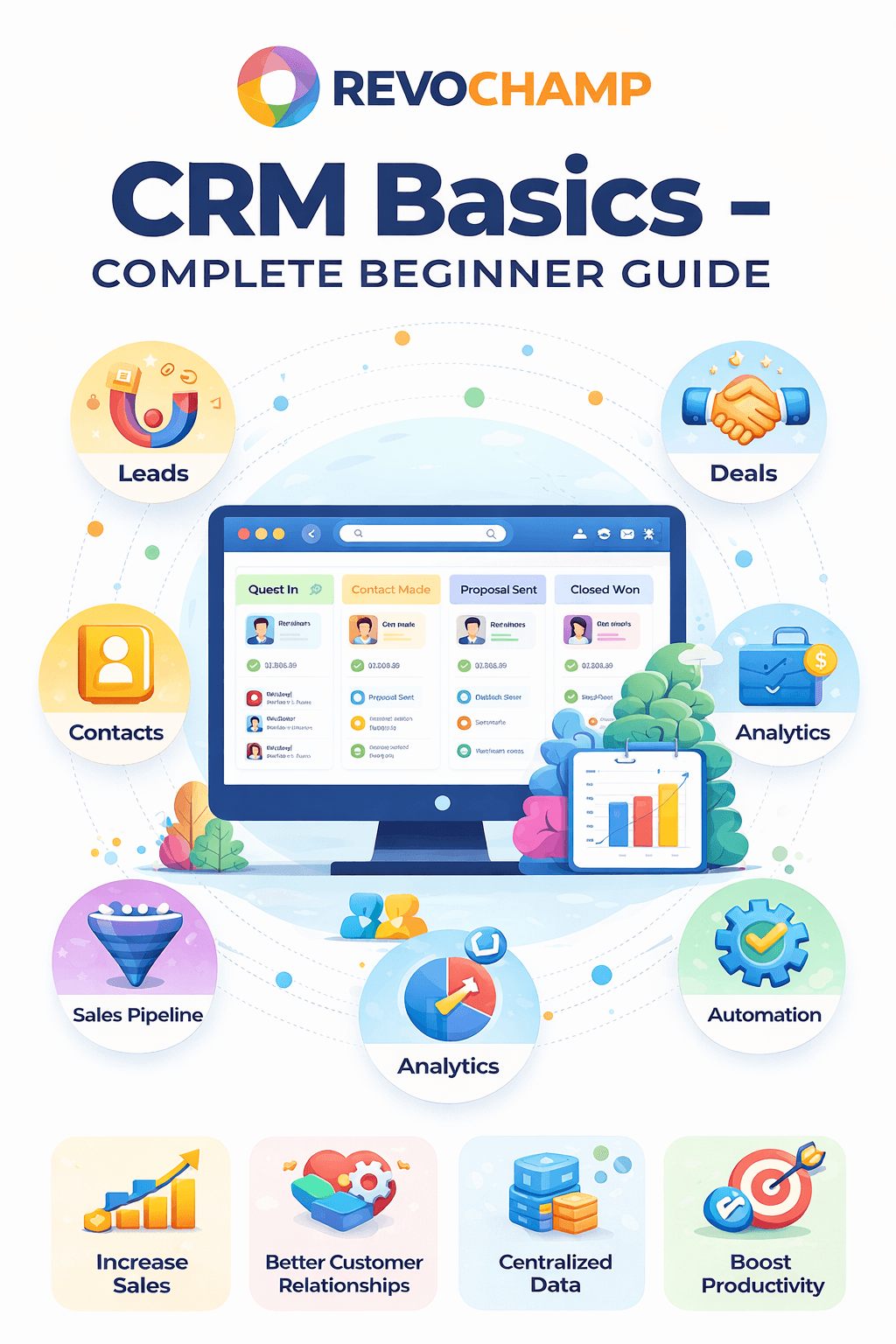
CRM stands for Customer Relationship Management. It’s a combination of strategies, processes, and technology that helps businesses manage interactions with current and potential customers. The goal is simple: improve relationships, streamline operations, and grow revenue. A modern CRM platform typically includes:
Contact management – store names, emails, phone numbers, and history in one place. Sales pipeline – track deals from lead to closed-won. Marketing automation – send emails, segment audiences, and measure campaigns. Customer support tools – manage tickets, chat, and feedback. Reporting & analytics – visualize performance and customer trends.

3 Types of CRM (And Which One You Need)
Not all CRMs are the same. Most fall into three categories. Many modern platforms combine them into one package.
| Type | Focus | Best For | Example |
|---|---|---|---|
| **Operational CRM** | Sales, marketing, service automation | Teams that need to streamline day‑to‑day workflows | HubSpot, Zoho CRM |
| **Analytical CRM** | Data analysis, customer insights, forecasting | Businesses that want to make data‑driven decisions | Salesforce Einstein, Microsoft Dynamics |
| **Collaborative CRM** | Sharing info across departments | Companies that need silo‑free teamwork | Freshsales, Pipedrive |
Most small businesses start with an operational CRM and later add analytical features as they scale.
Real‑World Example: How a Small Retail Shop Used CRM to Double Repeat Customers
Before CRM: A local boutique owner kept customer names in a notebook. She’d manually text loyal customers when new stock arrived, but often forgot or missed people. She had no idea who bought what or when.
After implementing a simple CRM (HubSpot free): She imported her contact list, tagged customers based on purchase categories, and set up automated birthday emails and seasonal offers. Within 6 months, repeat purchases increased by 54%, and she saved 8 hours per week on manual follow‑ups.
Top 5 Benefits of CRM for Small Businesses (Backed by Data)
📈 29% higher sales – CRMs help sales teams close more deals by tracking every interaction (source: Salesforce). ⏱️ 30% reduction in admin time – Automation cuts data entry and follow‑up tasks. 💬 74% better customer service – Agents see full history, enabling faster, personalized support. 📊 300% improvement in lead conversion – With automated nurturing, leads don’t fall through cracks. 💰 23% increase in customer retention – Understanding customer behavior helps you proactively engage them.
Popular CRM Tools: A Quick Comparison
Here are four leading CRMs, with pricing and best-use cases for small businesses.
| Tool | Best For | Free Plan | Paid Starts At | Standout Feature |
|---|---|---|---|---|
| HubSpot CRM | All‑in‑one (sales, marketing, service) | ✓ Unlimited users, up to 1M contacts | $15/user/month | Easy to use, rich free tier |
| Zoho CRM | Budget‑conscious teams | ✓ Up to 3 users | $14/user/month | Deep integrations with Zoho suite |
| Salesforce | Scalable, analytics‑heavy | ✗ No free plan | $25/user/month | Industry leader, powerful reporting |
| Freshsales | Sales‑focused teams | ✓ Unlimited users | $15/user/month | Built‑in phone & email, AI‑based lead scoring |
How Much Does CRM Cost in India (2026)?
Pricing varies widely, but you can start for free. Paid plans in India typically range from ₹1,200 to ₹3,500 per user per month for basic to mid‑tier CRMs. Enterprise plans go higher. Most CRMs offer annual discounts of 20–30%.
Free CRMs: HubSpot, Zoho (3 users), Freshsales (unlimited users, limited features) Entry paid: ₹1,200–₹2,000/user/month (Zoho, HubSpot Starter) Mid‑tier: ₹2,500–₹4,000/user/month (Salesforce Essentials, Freshsales Growth)
How to Choose the Right CRM for Your Business
With dozens of options, picking the right CRM can feel overwhelming. Use this 5‑step checklist to narrow your search:
1. Define your main goal – Sales pipeline? Marketing automation? Customer support? Pick a CRM that excels in your primary need. 2. Check ease of use – If your team struggles with tech, choose a simple, intuitive interface (e.g., HubSpot, Pipedrive). 3. Ensure integrations – Does it work with your email, calendar, accounting software (e.g., Gmail, QuickBooks)? 4. Consider scalability – Will the CRM grow with you? Look for tiered pricing and add‑on features. 5. Test with a free trial – Almost all CRMs offer 14–30 day trials. Get hands‑on before committing.
Conclusion & Next Steps
CRM is no longer a luxury—it’s a competitive necessity. Even a simple free CRM can transform how you manage customers, save hours of manual work, and drive repeat business. The key is to start small, keep your data clean, and get your team trained. Ready to take the leap?
🚀 **Try a free CRM today** – HubSpot, Zoho, and Freshsales all offer no‑cost plans. [Download our free CRM comparison checklist](/resources/crm-checklist) to compare features side‑by‑side.
Share This Article
📤 Share This