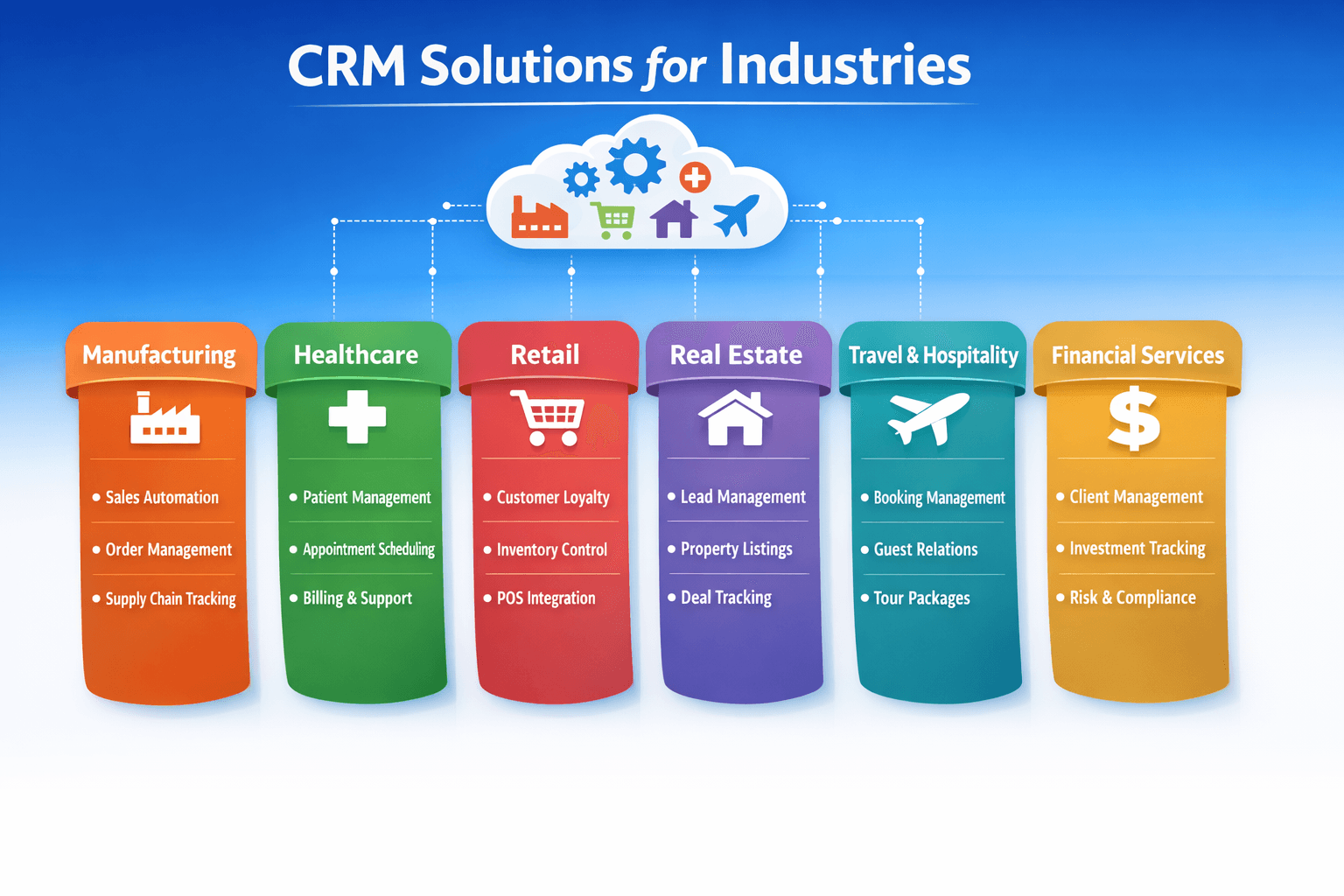
Introduction: Why Generic CRM Isn’t Enough
A CRM is a powerful tool, but the needs of an insurance agent differ vastly from those of a real estate broker, a hospital administrator, or an e‑commerce store owner. While generic CRMs handle basic contacts and pipelines, industry‑specific solutions (or well‑configured general CRMs with custom fields) can transform operations, improve compliance, and drive revenue. In this guide, we’ll explore how CRM is applied in four key industries—Insurance, Real Estate, Healthcare, and E‑commerce—with real‑world examples and must‑have features for each.
1. CRM for Insurance: Policy Management & Renewal Automation
Insurance agents juggle hundreds of policies, renewal dates, claims, and compliance requirements. An insurance‑focused CRM streamlines these workflows and helps build long‑term client trust.
Policy lifecycle tracking – Manage quotes, applications, underwriting, and active policies in one place. Renewal reminders – Automated alerts 30/60/90 days before renewal; send quotes effortlessly. Claims management – Log claim details, track status, and document communication with adjusters. Commission tracking – Calculate earnings by policy type, carrier, and agent. Compliance & document storage – Securely store KYC documents, policy PDFs, and audit trails.
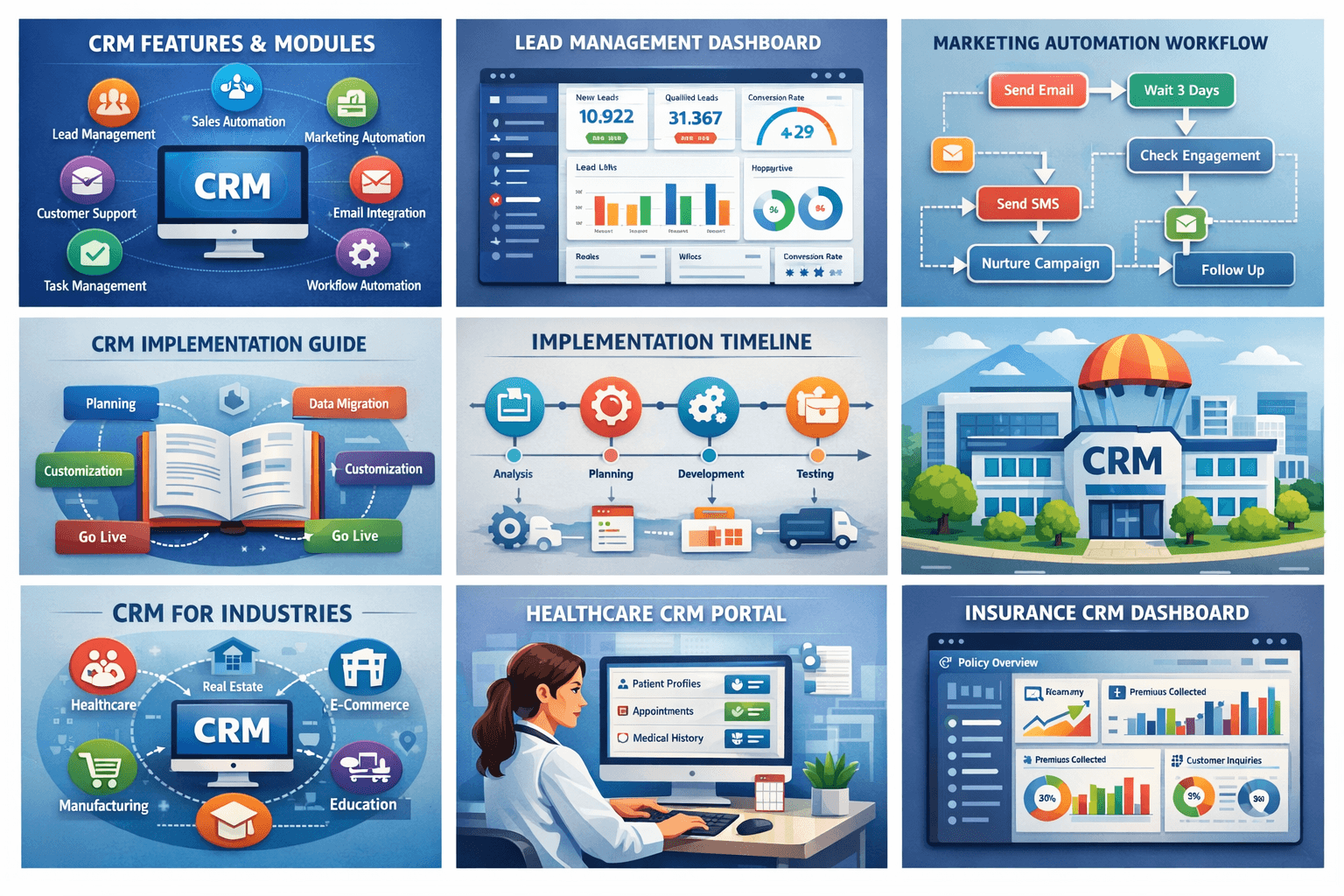
Real‑world example: A health insurance broker with 3,000+ clients used a CRM to automate renewal reminders and cross‑sell family floater plans. Result: renewal rate jumped from 68% to 89% within one year, and cross‑sell revenue increased 34%.
2. CRM for Real Estate: Property Listings & Lead‑to‑Closing
Real estate agents need to manage property listings, buyer/seller journeys, and a high volume of inquiries. A real estate CRM focuses on lead nurturing, property matching, and transaction management.
Lead capture & routing – Automatically pull leads from portals (Zillow, 99acres, Magicbricks) and assign to agents. Property inventory – Maintain property details, photos, virtual tours, and availability status. Lead scoring – Identify hot buyers based on budget, location preferences, and engagement. Automated follow‑ups – Send property alerts, schedule showings, and drip email campaigns. Transaction management – Track offers, contracts, inspections, and closing tasks with checklists. Mortgage & vendor integration – Connect with lenders, inspectors, and title companies for seamless coordination.
| Feature | Benefit for Agents | Example Tool |
|---|---|---|
| IDX integration | Automatically display MLS listings on your website | Salesforce for Real Estate |
| Open house tracking | Capture visitors and automate follow‑up emails | Follow Up Boss |
| Digital signature | Close deals faster with e‑signatures | DocuSign, PandaDoc |
| Commission tracking | Calculate splits and payouts for each deal | LionDesk |
Real‑world example: A real estate team of 10 agents switched to a real‑estate‑specific CRM. They automated lead responses (within 2 minutes vs. previous 2 hours) and increased lead‑to‑showing conversion by 42% over six months.
3. CRM for Healthcare: Patient Engagement & HIPAA Compliance
Healthcare providers—from solo practitioners to hospitals—use CRM to manage patient relationships, appointment scheduling, and follow‑up care. Data security (HIPAA or local privacy laws) is paramount.
Appointment management – Online booking, automated reminders (SMS/email), and waitlist handling. Patient 360° view – Unified profile with medical history, treatment plans, insurance details, and communication logs. Care coordination – Assign tasks to nurses, specialists, or care coordinators; track patient progress. Marketing & outreach – Targeted campaigns for wellness programs, seasonal check‑ups, and vaccination drives. Compliance & security – Role‑based access, audit logs, and data encryption to meet regulations (HIPAA, GDPR). Patient satisfaction surveys – Automate post‑visit feedback and track Net Promoter Score (NPS).
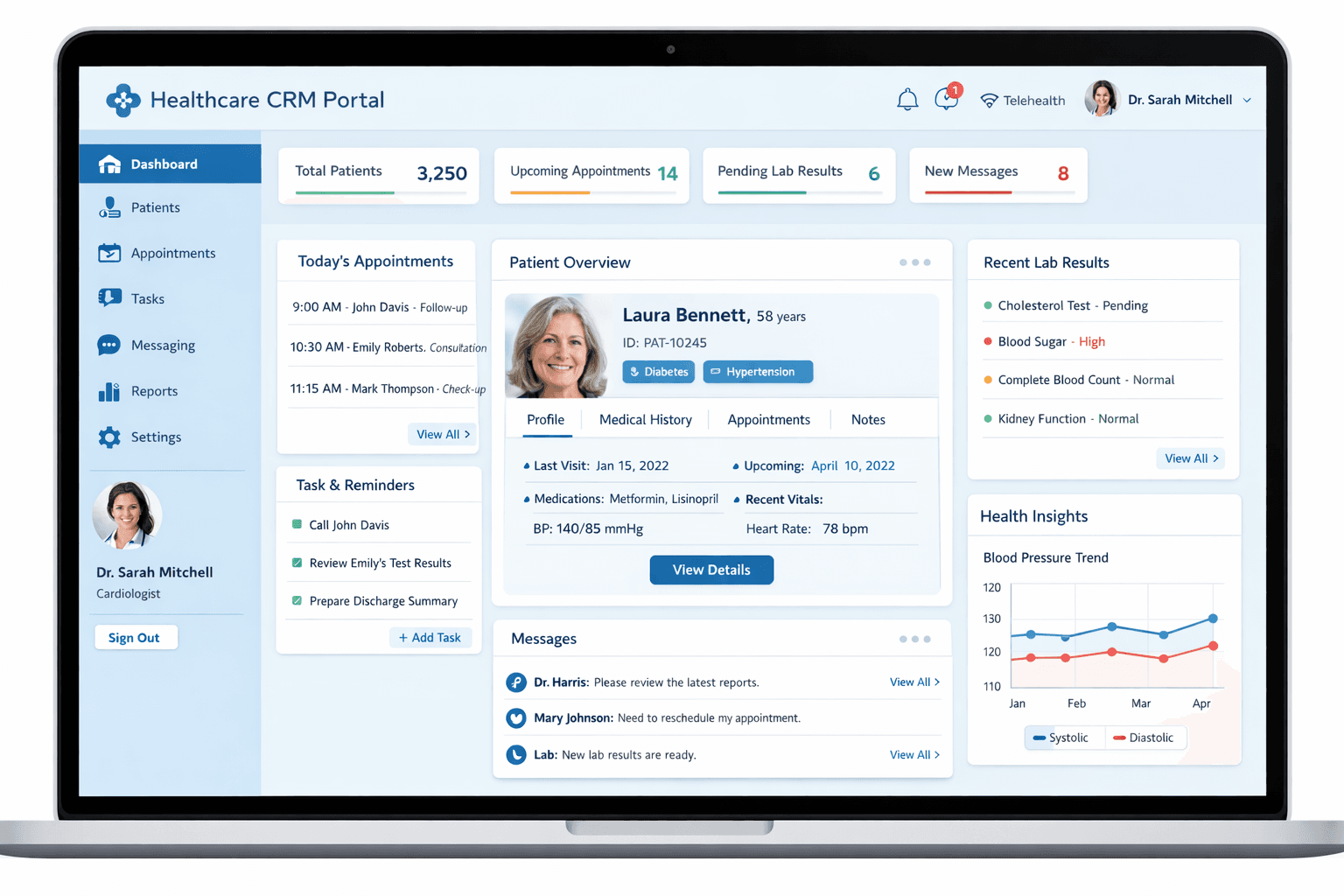
Real‑world example: A multi‑specialty clinic implemented a healthcare‑focused CRM to reduce no‑shows. Automated appointment reminders cut no‑show rates from 18% to 7%. Additionally, they launched a diabetes management program using CRM‑based patient segmentation, improving medication adherence by 28%.
4. CRM for E‑commerce: Personalization & Lifetime Value
E‑commerce brands need a CRM that integrates with their online store, tracks customer behavior across channels, and drives repeat purchases. The focus is on segmentation, personalization, and lifecycle marketing.
360° customer profile – Combine purchase history, browsing behavior, cart abandonment, and support tickets. Segmentation & RFM analysis – Group customers by Recency, Frequency, Monetary value for targeted campaigns. Abandoned cart recovery – Automated emails/SMS with discounts to recover lost sales. Post‑purchase follow‑up – Request reviews, cross‑sell related products, and enroll in loyalty programs. Omnichannel sync – Integrate with Shopify, WooCommerce, Magento, and marketplaces (Amazon, Etsy). Predictive analytics – Identify high‑value customers, churn risk, and next‑best‑action recommendations.
| E‑commerce CRM Feature | Impact | Popular Tools |
|---|---|---|
| Abandoned cart automation | Recover 10–15% of lost sales | Klaviyo, Omnisend |
| Product recommendation engine | Increase average order value by 20% | Nosto, Rebuy |
| Customer loyalty program | Boost repeat purchase rate by 30% | Yotpo, Smile.io |
| Unified chat & support | Resolve issues faster with full context | Gorgias, Zendesk |
Real‑world example: A D2C apparel brand migrated from spreadsheets to an e‑commerce CRM. They segmented customers by purchase frequency and sent personalized birthday discounts, abandoned cart reminders, and replenishment emails for basics. Within 8 months, repeat customer rate increased from 22% to 41%, and customer lifetime value (CLV) grew by 37%.
How to Choose an Industry‑Specific CRM
When evaluating CRM options for your industry, consider these criteria:
Industry‑specific functionality – Does the CRM (or its ecosystem) offer pre‑built fields, workflows, and integrations relevant to your domain? Compliance requirements – For healthcare, ensure HIPAA readiness; for finance, look for audit trails and data encryption. Integration with existing tools – Connect to your policy management system (insurance), MLS (real estate), EHR (healthcare), or e‑commerce platform. Scalability & customization – As you grow, can you add more advanced modules without switching platforms? Mobile accessibility – Real estate agents and insurance advisors often work in the field; mobile apps with offline access are crucial. Support & training – Does the vendor offer industry‑specific onboarding materials?
Conclusion: Tailor Your CRM to Your Industry
A CRM is not a one‑size‑fits‑all tool. Insurance agents need renewal automation; real estate pros need property listings and lead routing; healthcare providers require compliance and patient engagement; e‑commerce brands demand segmentation and personalization. By choosing a CRM that aligns with your industry’s unique workflows—or configuring a general CRM with the right customizations—you’ll unlock higher adoption, better customer experiences, and measurable ROI.
🏢 **Ready to find the perfect CRM for your industry?** [Download our Industry CRM Comparison Matrix](/resources/industry-crm-guide) to evaluate top solutions for insurance, real estate, healthcare, and e‑commerce. Or, book a free 15‑minute consultation to discuss your specific needs.
Share This Article
📤 Share This