Introduction: Making Your CRM Work for You
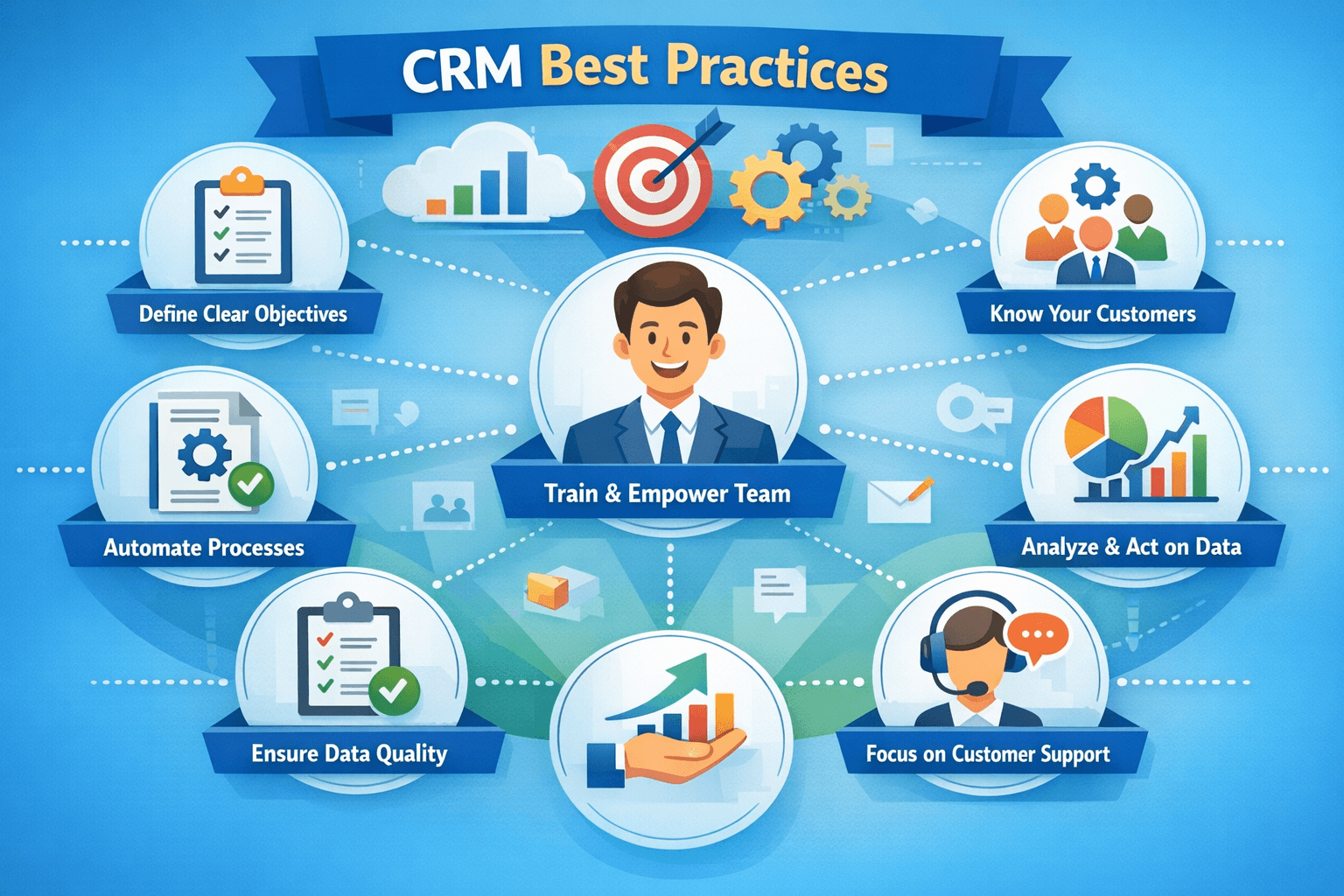
Implementing a CRM is just the beginning. To truly harness its power, you need to follow best practices that ensure your data is clean and secure, your customer retention strategies are data‑driven, and your team actually uses the system. Without these pillars, even the most expensive CRM becomes an underutilized expense. This guide covers three critical areas: data management & security, customer retention strategies, and CRM adoption tips for teams—giving you a framework to turn your CRM into a sustainable competitive advantage.
1. Data Management & Security: The Foundation of Trust
Your CRM holds some of your most sensitive business data—customer contacts, deal values, support histories. Poor data management leads to bad decisions; weak security exposes you to breaches and compliance risks. Follow these practices:
Data hygiene – Schedule regular data audits to remove duplicates, fill missing fields, and standardize formats (e.g., phone numbers, company names). Use CRM’s deduplication tools or third‑party data cleansing services quarterly. Field standardization – Create dropdown lists for critical fields (e.g., lead source, industry) instead of free text. This ensures consistency and enables accurate reporting. Access controls & roles – Implement role‑based permissions: sales reps see only their leads, managers see team data, admins control settings. Least‑privilege principle reduces insider risk. Data backup – Even with cloud CRMs, export critical data periodically. Some CRMs offer automated backups; use them. Encryption – Ensure data is encrypted in transit (TLS) and at rest. If you self‑host, use disk encryption and secure database configurations. Compliance – Stay compliant with GDPR, CCPA, or local data protection laws. Document consent, provide data export/deletion mechanisms, and review third‑party integrations for compliance. Audit logs – Enable audit trails to track who accessed or modified sensitive records. Essential for security investigations and regulatory compliance.
2. Customer Retention Strategies Powered by CRM
Acquiring a new customer costs 5–7 times more than retaining an existing one. Your CRM holds the data to identify at‑risk customers, personalize engagement, and build loyalty. Here’s how:
Track churn signals – Set up alerts for negative behaviors: reduced product usage, missed payments, support tickets spike, or no activity for 60+ days. Use CRM reports to monitor churn risk segments. Proactive outreach – Create workflows that automatically notify account managers when a high‑value customer shows risk signs. Schedule a check‑in call or send a personalized email with tips or new features. Onboarding automation – First 90 days are critical. Use automated email sequences to guide new customers through setup, feature adoption, and quick wins. Track completion rates. Loyalty segmentation – Identify your top customers by lifetime value, referral frequency, or engagement. Create VIP programs with exclusive offers, early access, or dedicated support. Feedback loops – Automate post‑interaction surveys (CSAT, NPS) directly from CRM. Use sentiment analysis to flag unhappy customers for immediate follow‑up. Renewal management – For subscription businesses, set up renewal reminders 30, 60, and 90 days in advance. Automate renewal quotes and track negotiation stages. Win‑back campaigns – For lapsed customers, create targeted campaigns with special offers or personalized content to re‑engage. CRM segments make this easy.
| Churn Signal | CRM Action | Example |
|---|---|---|
| No login for 30 days | Send usage tips email, assign support check‑in | SaaS: automated email with “We miss you” and a link to new features |
| Support ticket unresolved > 3 days | Escalate to senior agent, notify account manager | Customer gets a call from account manager apologizing and resolving |
| Subscription payment failed | Trigger dunning email, create task for billing team | Auto‑email with update payment link; if still fails, agent calls |
| Decreased purchase frequency | Add to re‑engagement segment, send loyalty offer | E‑commerce: send 10% off coupon for next purchase |
3. CRM Adoption Tips for Teams: Making It Stick
Even the most feature‑rich CRM fails if your team doesn’t use it. Adoption is about people, processes, and perceived value. Here are proven tactics to drive usage:
Involve users early – Before selection, ask reps and support agents what they need. During implementation, have power users test and give feedback. People support what they help create. Simplify, don’t complicate – Start with essential fields and workflows. Add complexity only when users are comfortable. Too many mandatory fields kill adoption. Role‑based training – Sales reps need pipeline and lead management; support agents need ticket views; managers need dashboards. Customize training to each role. Gamification – Use leaderboards for activities (calls logged, deals added). Many CRMs have built‑in gamification or integrate with tools like LevelEleven. Integrate with daily tools – If users live in Gmail or Outlook, integrate email sync. If they use Slack, send CRM notifications there. Reduce context switching. Mobile accessibility – Field teams need a fully functional mobile app. Ensure offline access and quick data entry to avoid after‑hours catch‑up. Executive sponsorship – Leadership must actively use and advocate for the CRM. When managers review deals in the CRM during team meetings, it signals importance. Celebrate wins – Share success stories: “Thanks to CRM data, we closed a ₹50L deal by identifying cross‑sell opportunity.” Recognize teams that adopt enthusiastically. Provide ongoing support – Create a CRM help channel (Slack/Teams), office hours, and a knowledge base. Assign internal champions who can answer peer questions. Measure and share adoption metrics – Track login frequency, record updates, and pipeline hygiene. Share dashboards publicly so teams see progress and peer accountability.
Real‑world example: A B2B services company struggled with CRM adoption—only 40% of reps logged in weekly. They implemented a three‑pronged approach:
- Simplified mandatory fields from 15 to 5.
- Held weekly “CRM champion” office hours with peer support.
- Started each sales meeting by reviewing the CRM pipeline together. Within 3 months, adoption rose to 92%, and data accuracy improved by 65%.
Integrating Best Practices into Your CRM Routine
Create a data governance policy – Document who owns data quality, how often it’s cleaned, and what standards apply. Assign a CRM administrator. Schedule regular reviews – Monthly: review data hygiene reports, churn metrics, and adoption dashboards. Quarterly: assess security settings and compliance. Iterate based on feedback – Run anonymous surveys asking users what works and what frustrates them. Act on the top issues within 30 days. Keep learning – CRM vendors release new features. Schedule quarterly “what’s new” sessions to keep users informed and excited.
Conclusion: The CRM Maturity Journey
CRM success is not a one‑time event but a continuous journey. By prioritizing data management and security, you build trust and reliable insights. By leveraging CRM for customer retention, you turn data into loyalty. And by driving team adoption, you ensure the system becomes indispensable. Start with one area—perhaps a data cleanup or an adoption campaign—and gradually layer in the others. Over time, your CRM will evolve from a simple tool to the central nervous system of your customer‑facing operations.
🏆 **Ready to elevate your CRM game?** [Download our free CRM Best Practices Toolkit](/resources/crm-best-practices-toolkit) featuring data hygiene templates, retention playbooks, and an adoption roadmap. Or, schedule a free assessment to identify quick wins for your team.
Share This Article
📤 Share This