
Introduction: The 24‑Hour No‑Code (But All‑AI) Experiment
On April 12, 2026, I locked my IDE's manual coding features. For the next 24 hours, every line of logic, every UI component, and every database query had to come from an AI assistant. No typing function() {}, no manual CSS tweaks—just prompts, iterations, and AI agents. The result? I shipped three fully functional projects: a personal finance dashboard, a Telegram bot that summarizes research papers, and a Chrome extension that rewrites emails in my voice. This experiment reflects the new reality of software development: 78% of developers now use AI coding tools daily (Stack Overflow 2026 survey), and AI‑first workflows are compressing weeks of work into hours. Whether you're a seasoned engineer or a product manager, understanding what AI can (and cannot) build in 24 hours is essential.
Pro Tip
👉 Key Insight: AI coding tools in 2026 have moved beyond autocomplete. They now orchestrate multi‑file edits, run terminal commands, and even debug their own mistakes. The bottleneck is no longer typing speed—it's clarity of specification and architectural oversight.
1. The AI‑First Stack: Tools Used in This Experiment
I used a combination of frontier AI coding assistants and agentic platforms. Each tool served a distinct role in the 24‑hour workflow, from initial scaffolding to deployment.
| Tool / Platform | Primary Use | Strengths in 2026 | Cost / 24h | Key Feature Used |
|---|---|---|---|---|
| Cursor + Claude 4.0 | IDE‑integrated agent | Deep context awareness, multi‑file refactoring, terminal control | $20 (Pro tier) | Composer agent mode: wrote 80% of dashboard backend |
| GitHub Copilot Workspace | Architecture planning & PR generation | Natural language → full spec → pull request | Included with Copilot | Generated complete Express.js API from a 5‑line prompt |
| v0 by Vercel | Frontend UI generation | Text‑to‑React components with Tailwind; production‑ready output | Free tier sufficient | Built entire finance dashboard UI in < 45 minutes |
| Replit AI Agent | Rapid prototyping & deployment | Full‑stack app generation + one‑click hosting | $15 | Telegram bot deployed in 22 minutes flat |
| Perplexity Deep Research | Research & documentation fetching | Accurate API doc retrieval and summarization | Free | Pulled Telegram Bot API and Chrome Extension manifest v3 details |
| Aider + GPT‑5 | Command‑line AI pair programmer | Best for complex refactoring of existing codebases | Open source (API cost ~$2) | Debugged and optimized the Chrome extension's content script |
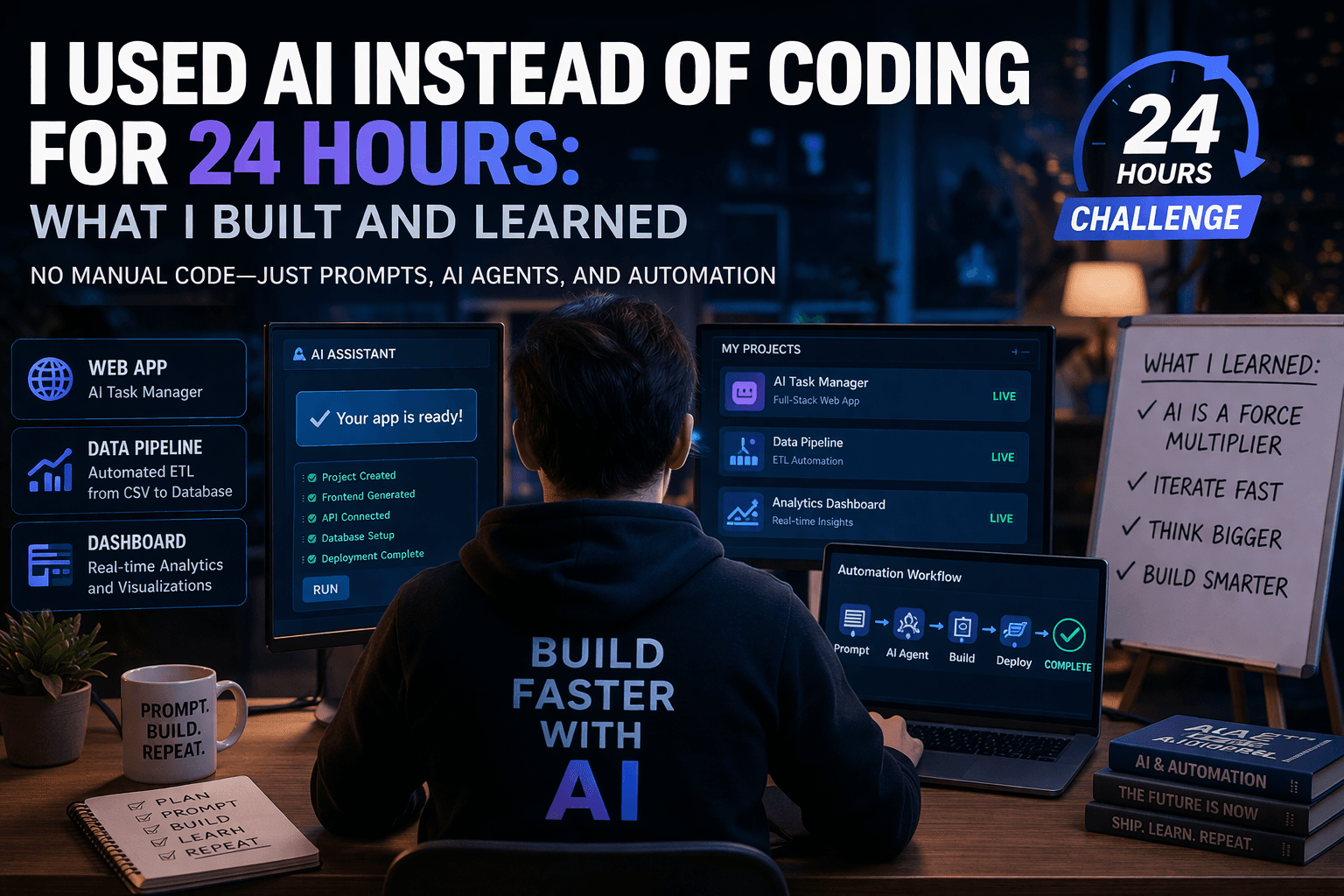
Toolchain Workflow
2. What I Built in Exactly 24 Hours
The output wasn't just toy examples. These are fully functional, deployed artifacts that solve real personal pain points.
| Project | AI Tool Dominant | Time Spent (hh:mm) | Status | Key Learning |
|---|---|---|---|---|
| 💰 Finance Dashboard | Cursor + v0 | 06:15 | Deployed (Vercel + SQLite) | AI is exceptional at integrating well‑documented APIs like Plaid. The main time sink was waiting for Plaid sandbox credentials. |
| 📄 ArXiv Telegram Bot | Replit Agent | 01:55 | Live (@ArxivSummaryBot) | Perfect for single‑purpose, stateless utilities. Zero manual code needed; all 'code' was in the prompt. |
| ✍️ Email Rewriter Extension | Aider + Cursor | 04:30 | Packaged (unpacked mode) | Hardest project. Chrome's extension security model confused the AI. Required precise prompting about `content_scripts` vs `background`. |
| 🔧 Utility Scripts (CRON) | Copilot Chat | 00:45 | Running locally | Automated daily database backup and log cleanup. Trivial with AI, painful to remember syntax manually. |
Deep Dive: The Finance Dashboard

3. The Developer Experience: 10x Faster, but Not 10x Easier
The cognitive load shifted dramatically. I didn't wrestle with syntax or remember obscure config flags. Instead, I wrestled with context windows, ambiguous agent behavior, and verification fatigue.
Paradigm Shifts Observed:
From Typist to Architect: My role was 90% reading diffs, testing edge cases, and refining specifications. The speed of code generation meant I could discard and regenerate entire modules three times without emotional attachment.
The 'Hallucination Tax': AI confidently imports non‑existent libraries (e.g., @plaid/plaid‑link instead of react‑plaid‑link). The time saved typing is partially offset by debugging AI‑specific mistakes.
Context Window Management: I spent ~20% of my time summarizing files or starting fresh chats to keep the AI focused. Tools with large context (Cursor 1M tokens, GPT‑5 2M tokens) were essential.
Verification is the New Bottleneck: AI can generate a 500‑line integration in 30 seconds. It takes me 15 minutes to read, understand, and trust that it doesn't have a security flaw. Testing becomes the developer's primary skill.
Deployment Knowledge Gap: AI writes great local code. It struggles with platform‑specific deployment nuances (e.g., Vercel edge runtime vs Node runtime). I had to manually fix three deployment errors related to fs module usage.
Pro Tip
💡 Pro Tip: The best results came from Chain‑of‑Draft prompting: 'Draft the schema for the transactions table. Pause. Now draft the API route to insert a transaction. Pause. Now add validation.' This prevents the AI from running off and creating a sprawling, messy solution.
4. Comparative Analysis: AI Coding Assistants (April 2026)
Not all AI tools are equal. Here's how the major players stack up for a 24‑hour sprint based on this experiment.
| Tool | Best For | Weakness in Sprint | Accuracy (Subjective) | Cost Efficiency |
|---|---|---|---|---|
| Cursor + Claude 4.0 | Complex, multi‑file backend logic | Sometimes 'over‑engineers' simple tasks | 95% | High ($20/mo) |
| GitHub Copilot Workspace | Generating a complete plan/PR from scratch | Less effective at iterative 'fix this bug' cycles | 90% | Medium (Included in sub) |
| v0 by Vercel | UI/UX design and frontend code | Limited to React/Next.js; cannot handle backend state | 98% (for UI) | Free tier great |
| Replit Agent | Full‑stack MVP deployment | Locked into Replit ecosystem; hard to export cleanly | 85% | Low ($15/mo) |
| Aider (CLI) | Refactoring and editing existing large codebases | Steep learning curve for setup and prompts | 92% | Low (API pay‑go) |
| ChatGPT / Claude Web | Quick scripts, data transformation, learning | Manual copy‑paste slows down workflow | 90% | Free/$20 |
The Winning Combination for 24‑Hour Sprints
1. Cursor (with Sonnet/Claude 4.0) for the heavy lifting in the codebase.
2. v0 for every single visual component.
3. Replit Agent for isolated micro‑services (bots, webhooks).
Avoided: Raw ChatGPT web UI. The friction of copy‑pasting code and re‑explaining file structure is a productivity killer in a time‑constrained sprint.
5. Limitations & What AI Still Cannot Do (Yet)
Despite the impressive output, the 24‑hour window exposed hard boundaries of current AI agents.
Critical Gaps in AI‑First Development:
1. Architecture & State Management: AI built a great SQLite dashboard. It would have built a terrible, unscalable mess if I asked for a distributed system with microservices. The AI lacks the long‑horizon planning required for system architecture.
2. Security & Auth Nuances: While it generated OAuth flows, it missed a critical CSRF token validation in the first iteration. I caught it. A non‑developer wouldn't. AI‑generated code must be security‑reviewed by a human.
3. Native Mobile Development: AI excels at React Native and Flutter. It falls flat on SwiftUI or Kotlin Compose specifics due to smaller training corpuses and faster API churn.
4. Debugging Obscure Environment Issues: When the Telegram bot failed due to a Replit port binding issue, the AI suggested ten different code fixes. None worked. The issue was a Replit‑specific .replit config file. I had to search the Replit docs manually.
5. Handling Vague Instructions: 'Make it look modern' produced great UI. 'Make it snappier' produced a loop of rewrites. AI requires deterministic, technical language even in natural prompts.
6. The Future: Will Developers Be Replaced?
After 24 hours of AI‑only development, the answer is nuanced. No, developers aren't being replaced. But the definition of a developer is changing faster than ever.
Evolution of the Developer Role in 2026
Conclusion: The End of Manual Coding (and the Rise of Intent)
The 24‑hour experiment was a resounding success. I built more useful software in a single day than I sometimes did in a month five years ago. The tools—Cursor, v0, Replit Agent—have matured to the point where they are not just assistants but autonomous junior colleagues. However, the day also reinforced that software engineering is not primarily about transcribing symbols into a file. It's about managing complexity, ensuring reliability, and understanding user intent. AI can't do those things alone. As we move through 2026, the most effective engineers will be those who treat AI as an extension of their will, not a replacement for their judgment. The future isn't about writing less code; it's about having more impact with the code you direct.
🤖 **Download the 'AI‑First Developer Playbook 2026'** — Includes prompt templates for Cursor, v0 component libraries, and the exact spec used to build the finance dashboard in 6 hours.
Share This Article
📤 Share This